How To Retrieve The Date And Time From A LinkedIn Post Using Bentley's Data Hacker Tool
This guide provides a straightforward method for retrieving the date and time of a LinkedIn post, allowing users to engage with content while it is still relevant.
By following the steps outlined, users can easily access the precise posting time in both local and UTC formats.
This is particularly beneficial for networking professionals looking to optimize their engagement strategies on LinkedIn.
Overall, it serves as a practical tool for enhancing LinkedIn interactions.
Engaging with a creator or target client while their content is “fresh” is the best way to:
raise their awareness of you
become “Top-of-Mind”
spark a conversation
The best way to accomplish this, is to learn their regular posting time to know when to be there.
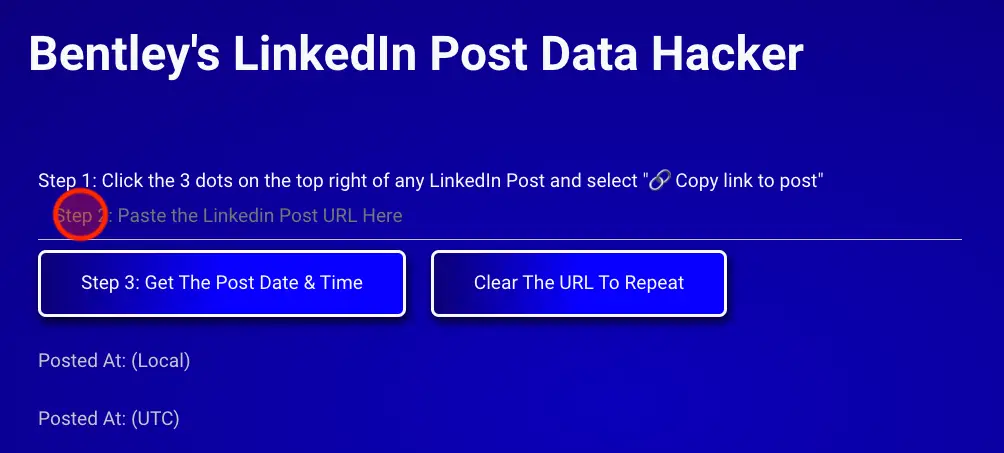
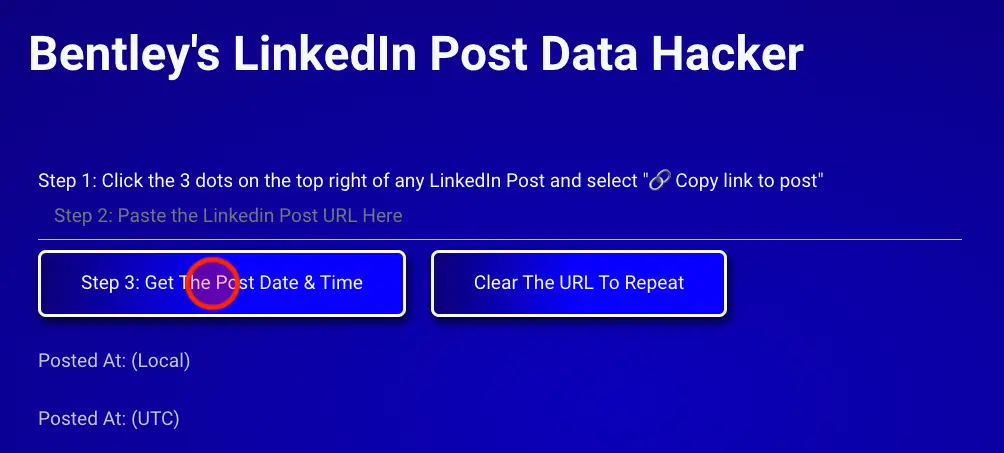
This hacking tool will help you do that.
Step 1:
Look for a creator or ideal client you would like to learn their posting schedule to engage with on LinkedIn, or by navigating to their profile and looking at their content.
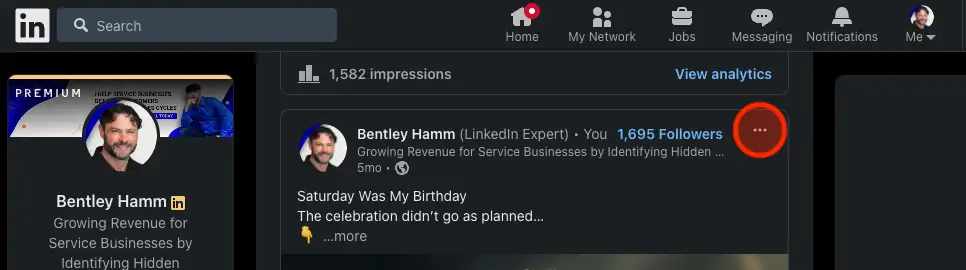
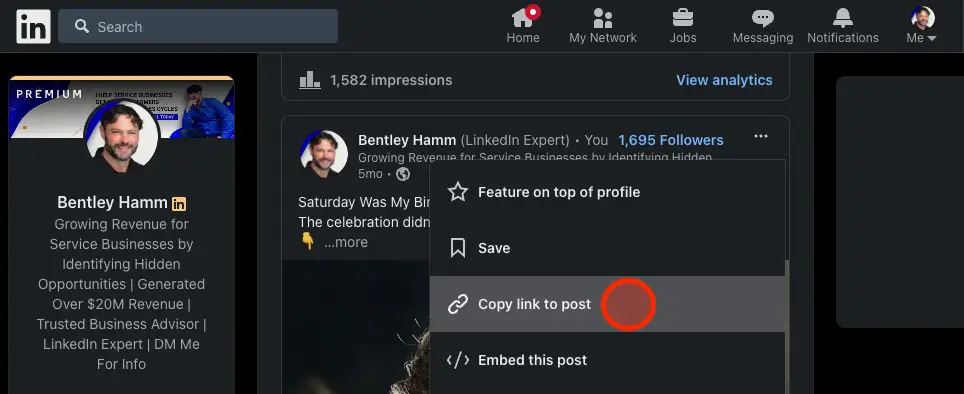
Step 2: Click the 3 dots on the top right of their post